
Download TikTok MP3 Online
Free TikTok MP3 downloader to extract high-quality MP3 audio from TikTok videos online.
 -
-
 -
-
 -
-
 -
-
 -
-
 -
-
How to Download TikTok MP3 Audio
Downloading TikTok MP3 audio is easy with TikVidly. Simply copy the TikTok video link, paste it into our TikTok MP3 downloader, and click the Download button. Your MP3 audio file will be ready in seconds.

Copy TikTok Video Link
Open the TikTok app or website, play the video you want to convert, tap the Share button, and select Copy Link.
Paste the Link
Paste the copied TikTok video URL into the input box above and wait a few seconds while TikVidly processes the link.

Download TikTok MP3
Click the Download button and choose the MP3 option. Your TikTok audio file will be ready to download in just a few seconds.
TikTok MP3 Downloader – Download TikTok MP3 Audio Online Free
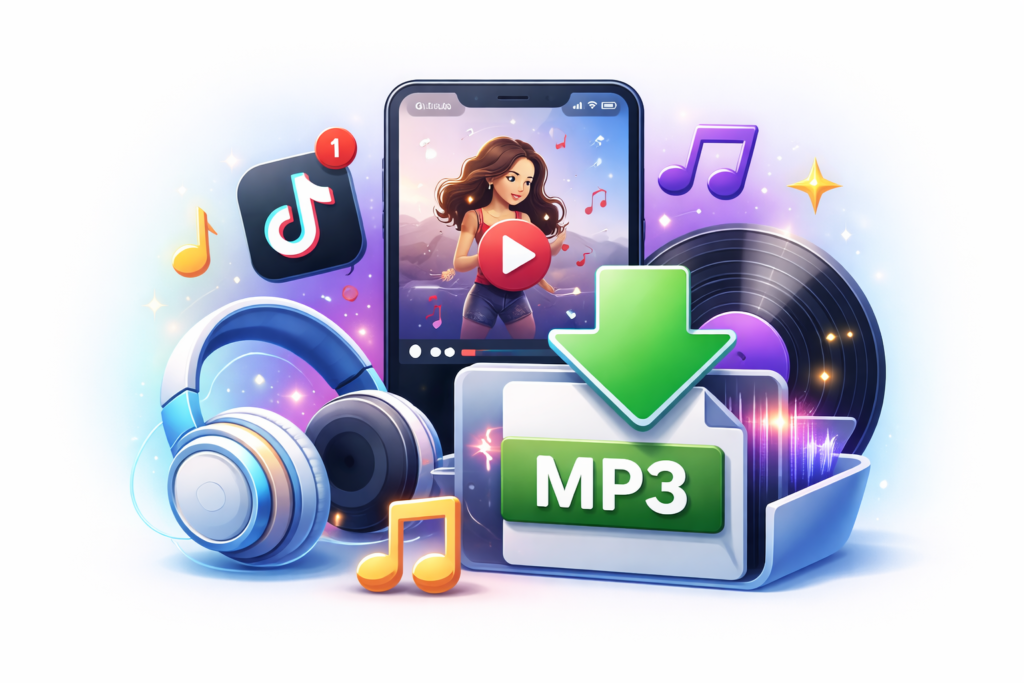
Sometimes you only need the audio, not the video. Whether you want to save a trending song, a voice over, or your favorite TikTok sound, TikVidly makes the process simple. Just paste the TikTok video link and download high-quality MP3 audio directly from your browser, no app, registration, or software required.
TikVidly works on Android, iPhone, Windows, Mac, tablets, and other modern devices. Before downloading, you can also view useful video details such as duration, views, likes, comments, shares, and saves, helping you choose the right download option.
Need another format? You can also download TikTok videos without watermark, save TikTok photos and slideshow images, convert TikTok photo slideshows into MP4 videos with the original audio, or download public TikTok stories using TikVidly’s other free tools.
Why Use TikVidly as Your TikTok MP3 Downloader?
TikVidly combines speed, audio quality, and simplicity to make downloading TikTok MP3 audio quick and easy.
High-Quality Audio
Extract MP3 audio while preserving the original sound from supported TikTok videos.
Fast MP3 Conversion
Convert TikTok videos to MP3 in seconds with a simple copy-and-paste process.
Works on All Devices
Download TikTok videos, MP3 audio, photos, and slideshow content from one place.
Safe & Secure
No login, registration, or personal information is required to download MP3 audio.
No App Required
Convert TikTok videos to MP3 directly from your browser without installing any app or software.
Download Anytime
Save TikTok MP3 audio whenever you need it without subscriptions or daily download limits.
Pros and Cons of Our TikTok MP3 Downloader
Pros
Cons
Common TikTok MP3 Download Problems & Solutions
Sometimes a TikTok MP3 download may not work as expected. Most issues are easy to fix and usually relate to the video link, privacy settings, or temporary TikTok restrictions.
MP3 Option Is Not Available
The selected TikTok video may not support MP3 extraction. Make sure you’re using a valid public video link.
Invalid TikTok Link
Copy the complete TikTok video URL from the TikTok app or website, then paste it into the download box again.
Private or Deleted Video
TikVidly only supports public TikTok videos. Private, deleted, or unavailable videos cannot be converted to MP3.
Download Won’t Start
Refresh the page, check your internet connection, and try again. If needed, use another browser or device.
Download TikTok MP3 Responsibly
Downloading TikTok MP3 audio is convenient, but it’s important to respect content creators and use downloaded content responsibly.
Respect Copyright
TikTok MP3 files belong to their respective creators. Always seek permission before reposting, sharing, or reusing downloaded audio.
Use for Personal or Educational Purposes
Use downloaded audio responsibly for personal listening, learning, or reference purposes whenever appropriate.
Give Credit
If you share downloaded audio, give credit to the original creator whenever possible by mentioning their TikTok username or profile.
Frequently Asked Questions (FAQ)
Disclaimer
TikVidly is an independent online tool and is not affiliated with, endorsed by, or sponsored by TikTok, Douyin, or ByteDance Ltd. All trademarks, logos, and brand names are the property of their respective owners. TikVidly does not host or store any media files. All content is accessed directly from publicly available sources provided by the original platform.