
Is It Safe to Download TikTok Videos? Here’s What You Need to Know
You found a TikTok video you love. Maybe it’s a recipe, a workout routine, or just a clip that made you laugh so hard you had to save it. Your first instinct is to hit download. But then a question pops into your head: is this actually safe to do?
It’s a fair question. Between shady apps, copyright rules, and TikTok’s own privacy settings, downloading a video isn’t always as simple as tapping a button. This guide explains the real risks, clears up common misconceptions, and shows you how to download TikTok videos more safely.
The Three Real Risks of Downloading TikTok Videos
Before you download anything, it helps to know what you’re actually risking. There are three areas worth thinking about: your device’s safety, the law, and other people’s privacy.
1. Malware From Shady Third-Party Apps
This is the biggest practical risk, and it has nothing to do with TikTok itself. It’s about where you get your downloader from.
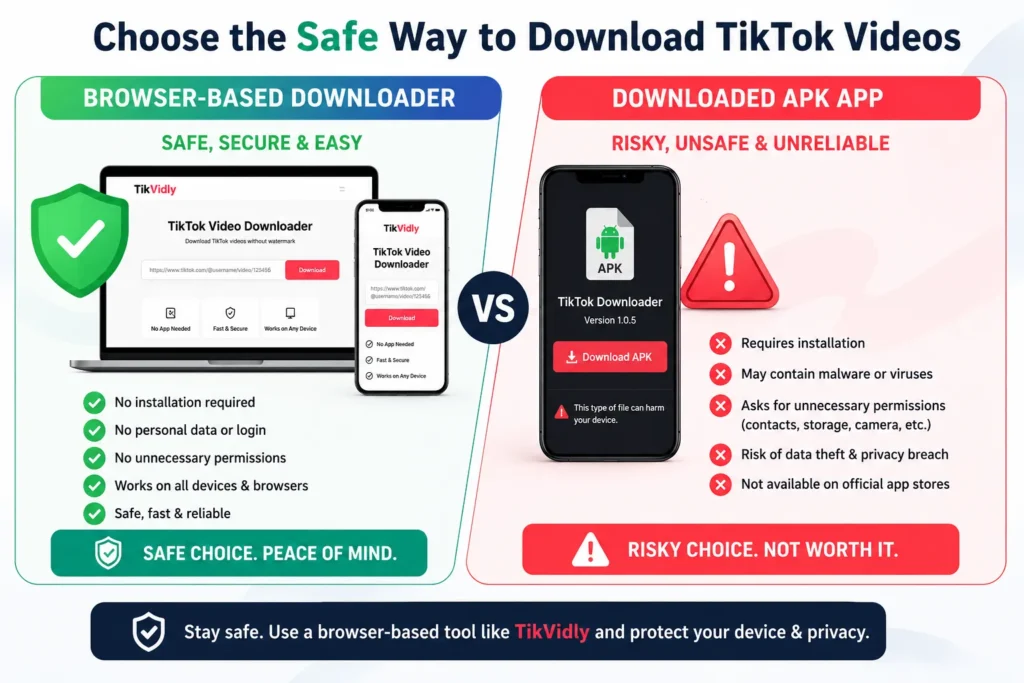
Many “free” TikTok downloader apps, especially ones you find outside the Apple App Store or Google Play Store, come loaded with hidden problems:
- Adware that bombards you with pop-up ads
- Spyware that quietly collects your data in the background
- Fake permissions that ask for access to your contacts, camera, or messages for no real reason
A safe TikTok Video Downloader doesn’t need to install anything on your phone. Browser-based downloaders work directly in your web browser, so you don’t need to install an app or give unnecessary permissions.
2. Copyright and Legal Gray Areas
Here’s where a lot of people get confused. Is it illegal to download TikTok videos? The honest answer is: it depends on what you do with the video afterward.
Downloading a video for personal offline viewing is generally lower risk than reposting or using it commercially. However, copyright laws vary by country, so if you plan to reuse someone else’s content publicly, it’s best to get permission from the creator.
Legal risk usually shows up when you:
- Repost someone else’s video on your own account without permission
- Use the clip in a paid ad or promotional content
- Claim the content as your own creative work
- Monetize a video that isn’t yours
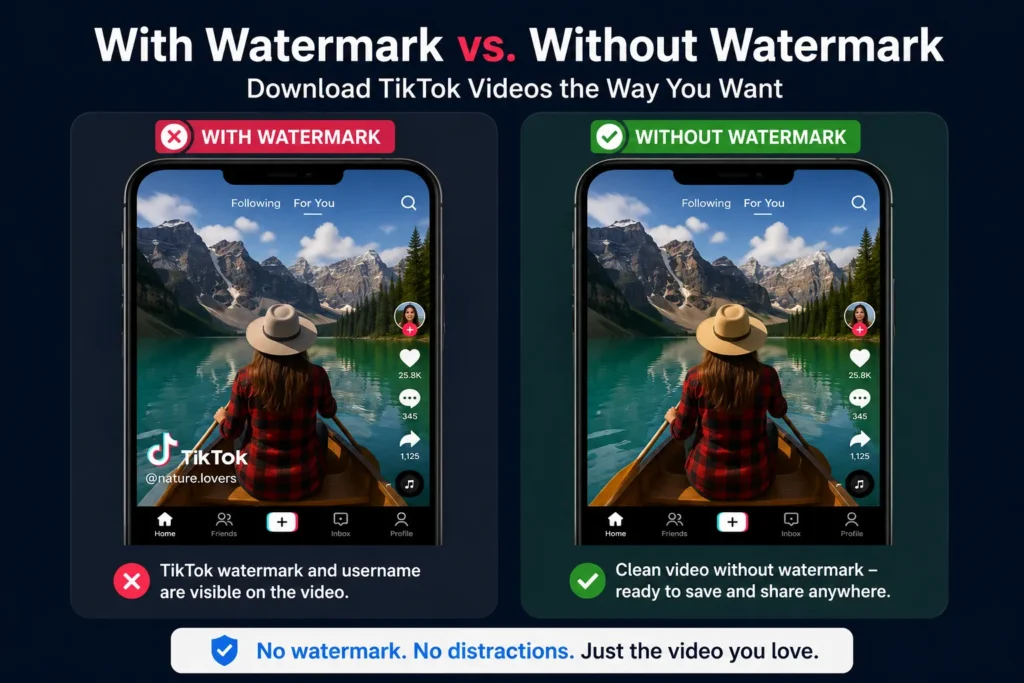
TikTok copyright laws for downloading are generally similar to copyright rules for other online content. In most cases, the original creator owns the copyright to the content they publish. Saving a copy for personal use is generally considered lower risk, while reposting someone else’s content without permission may create copyright issues. If you want to save videos without the TikTok logo, read our guide on How to Download TikTok Videos Without Watermark to understand the safest and most responsible approach.
3. Privacy Concerns With Other People’s Content
There’s a third risk that often gets ignored: respecting the person in the video. Even if downloading itself is technically allowed, doing it thoughtlessly can cross a line.
A good rule of thumb: if you wouldn’t want someone downloading and reposting your own content without asking, don’t do it to someone else’s.
Your Own Videos vs. Someone Else’s: Why the Difference Matters
Not every download situation is the same, and treating them all identically misses the point.
Downloading your own videos is completely risk-free from a legal standpoint. You made it, you own it, and you can save, edit, or repost it anywhere you want. Plenty of creators download their own posts just to keep a backup or repurpose them for Instagram or YouTube.
Downloading someone else’s video puts you in a different position. You’re free to save it for personal viewing, but reposting, editing, or profiting from it crosses into territory that could get your account reported or, in rarer cases, lead to a legal complaint from the original creator.
This distinction is really the whole safety conversation in one sentence: save for yourself, ask before you share.
Does TikTok Notify Someone When You Download Their Video?
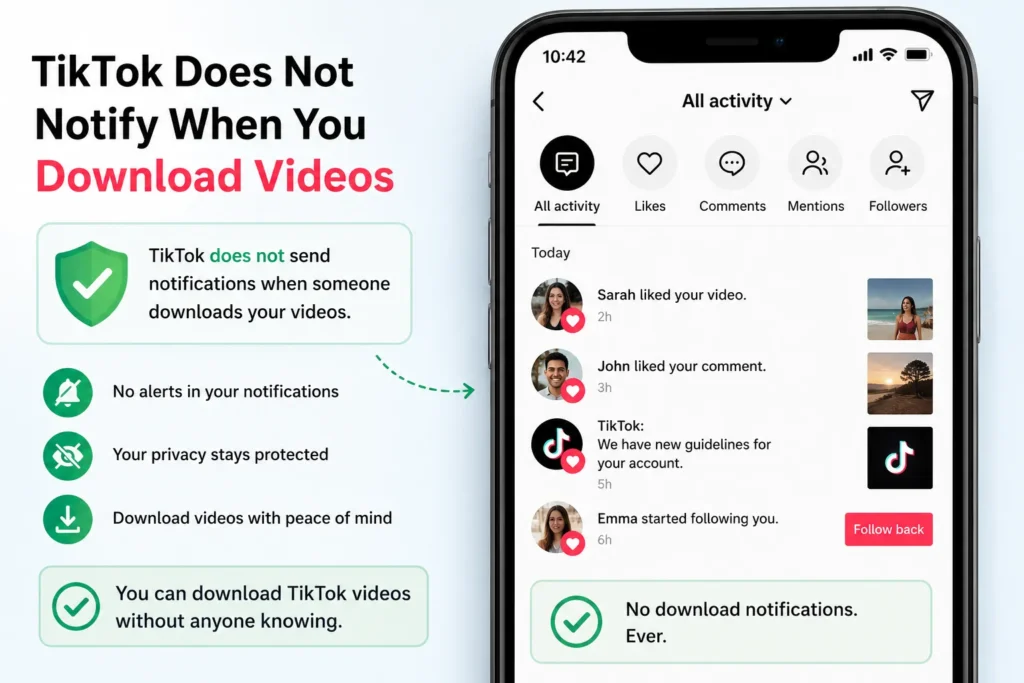
This question comes up constantly, and the answer puts most people at ease: no. TikTok does not send a notification to the creator when you download their video or photo. There’s no alert, no badge, no message that says “someone saved your post.”
That said, “no notification” doesn’t mean “no responsibility.” Just because a creator won’t know doesn’t mean their content stops belonging to them.
TikTok’s Built-In Download Feature vs. Third-Party Tools
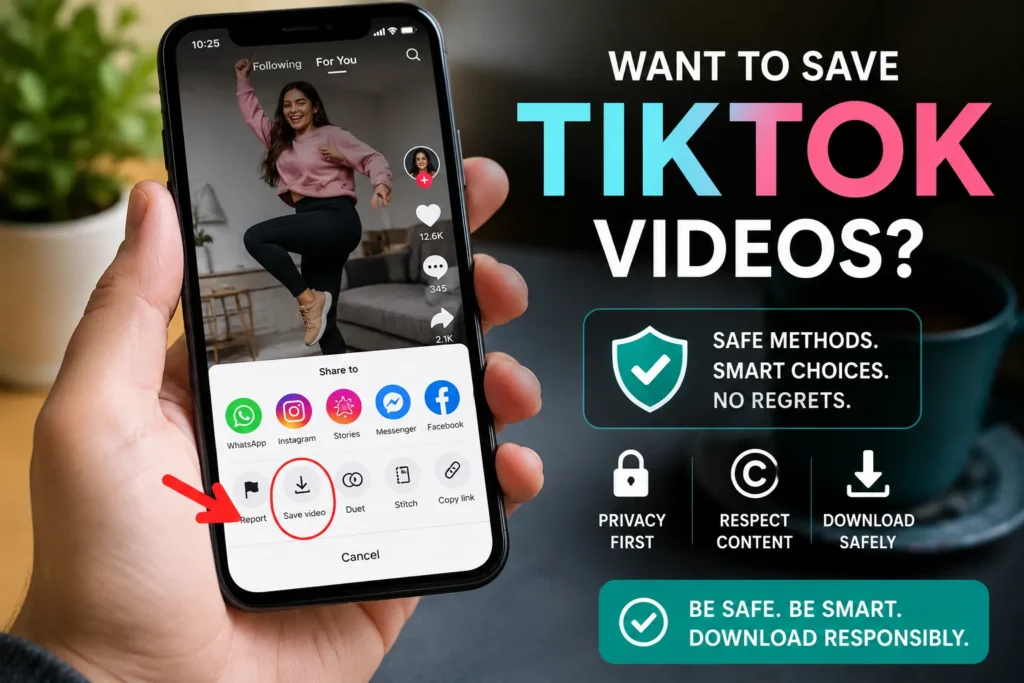
TikTok actually has its own download button built into the app, which is worth understanding before you look elsewhere.
How TikTok’s native download works:
- Tap the Share icon on any video
- Select Save Video
- The video saves directly to your phone’s gallery, watermark included
The catch is that TikTok’s built-in option only works if the creator has allowed downloads on their account. Plenty of creators turn this setting off, which is exactly why third-party tools exist in the first place: they let you save videos even when the native download button is grayed out.
If you’re looking for a safe way to do this, our TikTok video downloader can do this without requiring app installation.
Safety Checklist: How to Download TikTok Content the Right Way
Keep this list handy the next time you’re about to save something:
- Use a browser-based tool, not an app that requires installation or extra permissions
- Avoid sites that ask for your TikTok login. A legitimate downloader never needs your username or password
- Watch out for excessive pop-ups or redirect ads. These are red flags for shady sites
- Download for personal use first. If you want to share it publicly, ask the creator or give clear credit
- Never claim someone else’s video as your own, even if you edit it slightly
- Skip anything that requests unnecessary permissions, like access to your contacts or camera roll
- Stick to public accounts. Private content should stay private
- Keep your software updated. Update your browser and antivirus regularly, especially if you frequently download files from the web.
Is It Actually Safe? The Straight Answer
Downloading TikTok videos is safe when you use a legitimate, browser-based tool and use common sense about what you do with the content afterward. The real risks come from two places: sketchy apps that sneak malware onto your phone, and re-posting content without permission or credit. Avoid both, and you’re in the clear.
The technology itself isn’t the problem. It’s the source you download from and the choices you make with the file that determine whether the whole process stays safe.
If you’re looking for a simple and secure way to download TikTok videos, TikVidly lets you save videos, photos, MP3 audio, and slideshows directly from your browser.
Disclaimer: This article is provided for general educational purposes only and should not be considered legal advice. Copyright laws vary by country. If you’re unsure about how the law applies in your location, consult the applicable regulations or seek professional legal advice.
Want to download TikTok photos and slideshows? Read our TikTok Photo Downloader guide. If you’re using an iPhone, check our guide on How to Download TikTok Videos on iPhone Without an App.
Frequently Asked Questions
Is it safe to download TikTok videos using an online tool?
Yes, as long as the tool is browser-based and doesn’t ask for an app install or your TikTok login. Avoid sites packed with pop-up ads or ones that request unusual permissions.
Can I get in trouble for downloading TikTok videos?
Downloading a video for personal viewing carries very little risk. Trouble usually starts if you re-post someone else’s content publicly without permission or try to pass it off as your own.
Does downloading a TikTok video without watermark break any rules?
No, removing the watermark through a legitimate downloader isn’t against the law by itself. What matters is what you do with the video afterward, not whether it has a watermark.
Does TikTok know when you download a video?
No. TikTok does not notify creators when someone downloads their public videos. However, creators can choose to disable downloads for their content.
Is it safe to use a TikTok downloader on iPhone?
Yes. A trusted browser-based downloader works directly in Safari or another mobile browser without requiring app installation or your TikTok login information.